ImagePullBackOff and ErrImagePull: a fix-it guide
Intermediate · 3 min read
Key takeaways
- ErrImagePull is immediate failure; ImagePullBackOff is the subsequent retry delay.
- Always check the Events section in kubectl describe for the root cause.
- Verify imagePullSecrets match the exact namespace and secret name.
- Avoid mutable tags like latest in production environments.
Understanding the Failure Modes
When deploying containers in Kubernetes, two specific error states frequently halt progress: ErrImagePull and ImagePullBackOff. While they appear similar in kubectl get pods, they represent distinct stages of failure. Understanding the difference is critical for rapid troubleshooting.
ErrImagePull: The Immediate Rejection
ErrImagePull occurs when the kubelet cannot retrieve the image metadata or the image does not exist at all. This is an immediate failure. Common causes include:
- Typographical errors in the image name or tag.
- The image repository being private with invalid authentication credentials.
- DNS resolution failures preventing connection to the registry.
ImagePullBackOff: The Retry Strategy
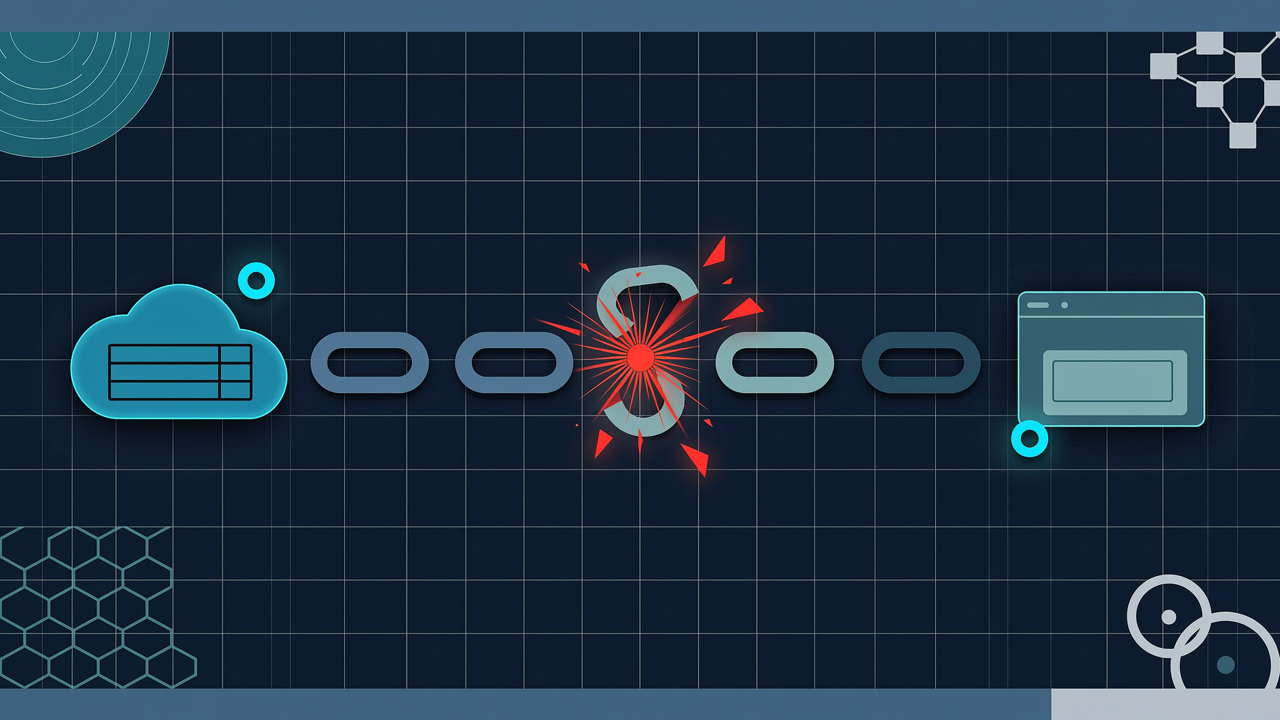
ImagePullBackOff is a secondary state. It indicates that the kubelet attempted to pull the image but failed (triggering an ErrImagePull), and Kubernetes has now entered an exponential backoff period before retrying. This prevents the node from flooding the registry with failed requests during transient network issues.
Prerequisites and Environment Assumptions
This guide assumes you are running a standard Kubernetes cluster (v1.24+). You will need kubectl configured with access to the target namespace. We assume a private container registry scenario, as public images rarely trigger these errors unless network policies intervene.
Step-by-Step Diagnosis
1. Verify Pod Status
First, inspect the pod’s status. Look for the Waiting state and the associated reason.
kubectl describe pod <pod-name> -n <namespace>In the Events section at the bottom, look for lines starting with Warning FailedToPullImage. This event contains the root cause.
2. Check Image Pull Secrets
If your registry is private, the pod must reference a imagePullSecrets entry. A common mistake is defining the secret in the wrong namespace or misspelling the secret name.
apiVersion: v1
kind: Pod
metadata:
  name: my-app
spec:
  imagePullSecrets:
  - name: my-registry-secret
  containers:
  - name: app
    image: registry.example.com/my-app:v1.0
3. Validate Registry Connectivity
From a node where the pod is scheduled, test connectivity manually using docker or crictl.
crictl pull registry.example.com/my-app:v1.0If this command hangs or fails, the issue is network-level (firewall, proxy) or credential-based, not manifest-level.
Common Mistakes to Avoid
Mistake 1: Assuming Latest Tag Works in Production
Using :latest can lead to unexpected ErrImagePull if the tag is mutable and gets overwritten or deleted by CI/CD pipelines. Always pin to specific semantic versions or SHA digests.
Mistake 2: Ignoring DNS Propagation
If you recently changed your registry domain or IP, local DNS caches on nodes may still point to old addresses. Clearing node DNS cache or restarting the kubelet often resolves stale resolution errors.
Mistake 3: Overlooking Quotas
Some registries enforce rate limits. If you deploy many pods simultaneously, you may hit a “Too Many Requests” error, which manifests as a pull failure. Implementing imagePullPolicy: IfNotPresent locally can mitigate this during initial deployments.
Cleanup and Verification
Once fixed, verify the pod transitions to Running. To clean up stuck pods without deleting them immediately:
kubectl delete pod <pod-name> --grace-period=0 --forceThis forces immediate removal, allowing a fresh restart cycle with corrected configurations.
Architecture

References
This article was drafted with AI assistance and reviewed by the DevOpsEngine editors before publication.